

Daily Quizzes
Mock Tests
No tests attempted yet.
Select Category
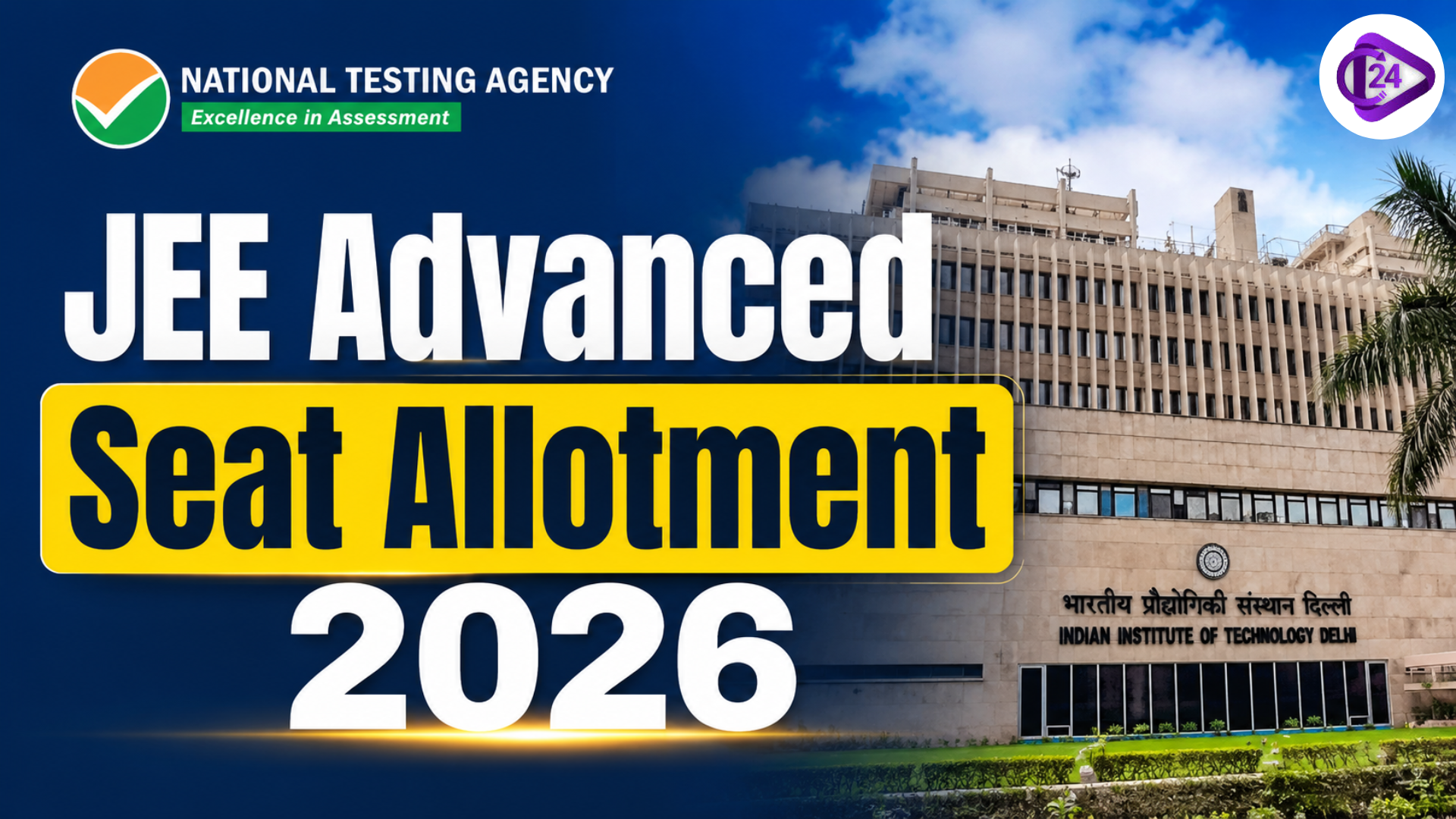
JEE Advanced Round 4 Seat Allotment 2026: Result Out, Reporting Deadline & Round 5 Preview
JEE Advanced Seat Allotment 2026 is conducted through JoSAA counselling for admissions to IITs, NITs, IIITs, and GFTIs. Candidates must complete registration, choice filling, seat acceptance, and document verification to secure admission based on rank, preferences, and seat availability.


Get in Touch with Class24 for All Your Needs!
JEE Advanced Round 4 seat allotment 2026 has officially been declared on July 10, 2026, at 5:15 PM IST, giving lakhs of JEE Main and JEE Advanced candidates their next seat update at IITs, NITs, IIITs, and GFTIs. If you selected Float or Slide after Round 3, this is the round where genuine upgrades keep showing up. Here's everything you need to check right now, plus what comes next before Round 5, the final round, which arrives on July 16.
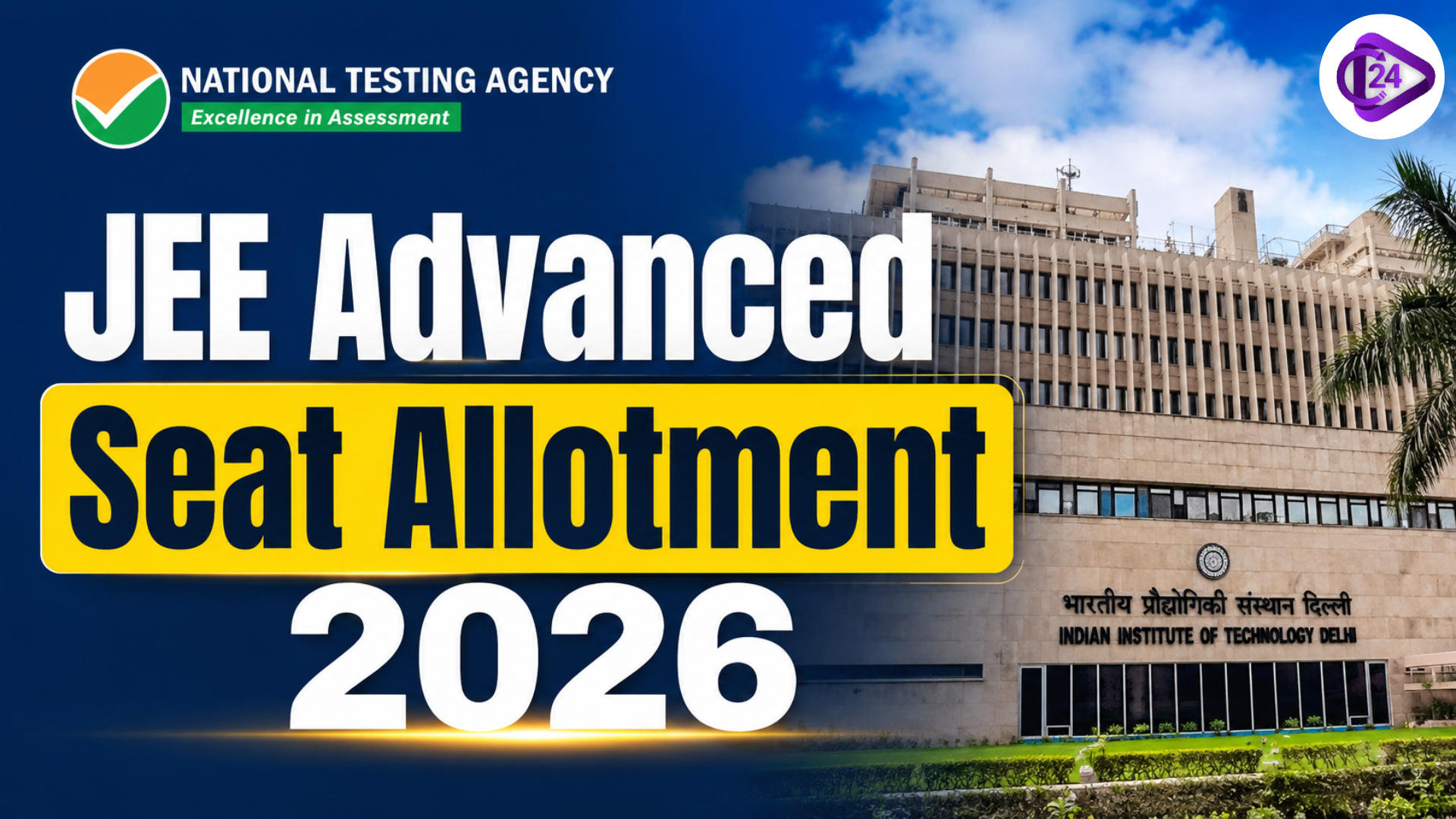
JEE Advanced Round 3 seat allotment 2026 has officially been declared today, July 6, giving lakhs of JEE Main and JEE Advanced candidates their next seat update at IITs, NITs, IIITs, and GFTIs. If you selected Float or Slide after Round 2, this is the round where genuine upgrades start showing up. Here's everything you need to check right now, plus what comes next before Round 4 on July 10.
Reporting Deadline for JoSAA Round 3
This is the part candidates miss most often, so keep it saved somewhere visible:
| Task | Deadline |
|---|---|
| Round 4 Result Declared | July 10, 2026, 5:15 PM IST |
| Online Reporting, Document Upload & SAF Payment | July 10 - July 13/14, 2026 (verify your exact window after login, as it can vary slightly by category/institute) |
| Seat Withdrawal Window (if applicable) | July 11 - July 14, 2026, 5:00 PM IST |
| Verification Query Resolution | Check the portal notice after Round 4 closes |
| Round 5 Seat Allotment Result (FINAL ROUND) | July 16, 2026 |
Missing the fee payment or document upload deadline results in automatic cancellation of your allotted seat, and - this is the critical part - you will be permanently removed from all further JoSAA rounds. There's no second chance once the deadline passes.
IIT/IISc candidates: July 14, 2026, 5:00 PM IST is your last opportunity to withdraw from an IIT/IISc seat. Once Round 5 begins on July 16, withdrawal is no longer possible under any circumstance for IIT/IISc allottees.
JoSAA Round 3 Result 2026: Key Details
The JoSAA Round 4 seat allotment result 2026 was released on July 10, at 5:15 PM IST, on the official portal josaa.nic.in. This is the fourth of five counselling rounds being conducted for admission to 23 IITs, IISc Bengaluru, 31 NITs, IIITs, and other GFTIs across the country.
If you registered for JoSAA counselling and completed your choice filling, your updated allotment status is now live. Log in with your JEE Main application number and password (JEE Advanced candidates also use their JEE Main credentials) to check whether you've received a fresh seat or an upgrade from your Round 3 allotment.
How to Check Your JoSAA Round 3 Allotment Result
Follow these steps to download your seat allotment letter:
- Visit the official portal at josaa.nic.in
- Log in using your JEE Main 2026 application number and password
- Click on "Round 4 Seat Allotment Result" on your dashboard
- Make sure you select Round 3 specifically - checking an older round shows outdated information
- View your allotted institute, programme, category, and quota
- Download and save your provisional allotment letter - take at least two printouts for later reporting
What to Do After Checking Your JoSAA Round 3 Result
Once your result is out, three actions become mandatory, not optional:
- Complete online reporting - confirm your seat acceptance on the portal
- Upload your documents - clear, legible copies in the correct format
- Pay the Seat Acceptance Fee (SAF) - Rs. 30,000 for General/OBC-NCL/EWS candidates, Rs. 15,000 for SC/ST/PwD candidates
If you already paid the SAF in Round 1 or Round 2, it carries forward automatically - only first-time allottees in Round 3 need to pay fresh.
Freeze, Float, or Slide - Which Option Should You Choose?
After checking your allotment, you must select one of these options carefully, since this decision affects your participation in the remaining rounds.
| Option | What It Means | Best For |
|---|---|---|
| Freeze | Seat gets locked permanently; you exit all further rounds. | Candidates are fully satisfied with their allotted institute/branch. |
| Float | Seat stays secured, but you remain open to upgrades in Round 5 | Most recommended - keeps upgrade doors open. |
| Slide | You stay within the same institute but can move to a better branch. | Candidates are happy with the institute but not the branch. |
Note: Round 5 is the final round, so this is your last chance to choose Float or Slide for a potential upgrade. After Round 5, no willingness option is required - the allotment (upgraded or not) is treated as final.
JoSAA 2026 Seat Acceptance Fee – Payment Details
Candidates who receive a fresh JEE Advanced 2026 seat allotment in Round 4 must pay the Seat Acceptance Fee before the deadline. Payment must be made on josaa.nic.in only.
| Category | Seat Acceptance Fee |
|---|---|
| General / OBC-NCL / EWS | ₹35,000 |
| SC / ST / PwD | ₹15,000 |
Accepted Payment Modes: Net Banking, UPI, Debit Card, Credit Card
Refund Policy for JoSAA 2026 Seat Acceptance Fee
- The fee is adjusted against the institute's admission fee at the time of joining - candidates do not pay it again at the college
- If a candidate withdraws or does not secure final admission, ₹3,000 is deducted as a processing charge
- General/OBC-NCL/EWS candidates receive a refund of ₹27,000
- SC/ST/PwD candidates receive a refund of ₹12,000
Always save the payment receipt and transaction ID immediately after successful fee payment.
Documents Required for JoSAA 2026 Round 4 Online Reporting
Candidates must scan all documents at a minimum resolution of 300 DPI before uploading. PDF files should be under 1 MB, and photographs should be in JPEG format under 100 KB. Upload only clear and complete scans - blurry or incomplete documents will be rejected during JoSAA 2026 document verification.
| Document | Purpose |
|---|---|
| JEE Advanced 2026 Rank Card | Rank and score verification |
| JEE Advanced 2026 Admit Card | Proof of appearing in JEE Advanced exam |
| Class 10 Certificate and Marksheet | Date of birth proof |
| Class 12 Certificate and Marksheet | Academic eligibility - 50% or 45% criteria |
| OBC-NCL Certificate | Must be issued within 1 year - older certificates are rejected |
| SC or ST Certificate | Issued by a competent government authority |
| EWS Certificate | Must be valid for the financial year 2025–26 |
| PwD Certificate (if applicable) | Issued by a government medical board only |
| Aadhaar Card or Government Photo ID | Identity verification |
| Passport Size Photographs | Recent, white background, JPEG under 100 KB |
For NIT Home State Quota Candidates: A state domicile or residence certificate confirming that Class 12 was completed in the respective state is also required.
Critical Warning: An expired OBC-NCL certificate is among the most common reasons for category downgrade during JoSAA 2026 document verification. Candidates must ensure their OBC-NCL certificate is not older than one year from the date of upload.
JoSAA 2026 Complete Round Schedule - All Important Dates
Candidates must carefully track all upcoming JoSAA 2026 seat allotment round dates. JoSAA does not send any reminders - set calendar alerts for every round result date and fee payment deadline.
| Round | Seat Allotment Result Date | Fee Payment Deadline |
|---|---|---|
| Round 1 | June 13, 2026 ✅ Declared | June 26, 2026 |
| Round 2 | June 30, 2026 ✅ Declared | July 3, 2026 |
| Round 3 | July 6, 2026 ✅ Declared | July 8, 2026 |
| Round 4 | July 10, 2026 ✅ Declared | July 13/14, 2026 |
| Round 5 - Final for IITs/IISc | July 16, 2026 | NIT+ withdrawal open till July 20; PAF: July 22–24 |
Important: There is no Round 6 in JoSAA 2026. Round 5 is the last allotment round for all institutes.
Withdrawal Window: Candidates wishing to withdraw from the JoSAA 2026 process can initiate withdrawal starting from Round 2.
- IIT/IISc candidates: The last chance to withdraw is during Round 4, closing on July 14, 2026, 5:00 PM IST. No withdrawal is possible once Round 5 begins.
- NIT+ system (NITs/IIITs/GFTIs) candidates: Can still withdraw during Round 5, from July 16 to July 20, 2026, before the Partial Admission Fee (PAF) payment.
What Happens After Round 5 (July 16)?
Since Round 5 is the final round, plan for what comes next:
- No Freeze/Float/Slide choice needed - the Round 5 allotment (whether upgraded or unchanged) is treated as final for everyone.
- NIT/IIIT/GFTI allottees must pay the Partial Admission Fee (PAF) between July 22–24, 2026, to confirm admission.
- Physical reporting at the allotted institute follows, with original document verification and medical checks as per each institute's published schedule.
- If you don't get a seat even after Round 5: Register immediately for CSAB Special Rounds (csab.nic.in) for vacant NIT/IIIT/GFTI seats, or explore state counselling (KCET, WBJEE, MHT-CET, etc.) and private universities (BITS, VIT, Manipal) if still open.
Important Links for JEE Advanced 2026
| JEE Advanced 2026 Toppers List | JEE Advanced 2026 Result |
| JEE Advanced 2026 Cut-Off | JEE Advanced 2026 Marks vs Rank |
| JEE Advanced 2026 Scorecard | JEE Advanced 2026 Counselling |
Conclusion - JEE Advanced Round 4 Seat Allotment 2026
To sum up, the JoSAA Round 4 seat allotment result is out, and candidates must complete reporting, document upload, and fee payment within their prescribed window (verify your exact deadline on the portal). Choosing between Freeze, Float, and Slide carefully matters, since Round 5 on July 16 is the last upgrade opportunity - there is no Round 6. IIT/IISc candidates must also act by July 14, 5:00 PM IST if they wish to withdraw. Stay on top of every deadline - a missed one means permanent exit from the counselling process.


Post a Comment
Your email address will not be published. Required fields are marked *