

Daily Quizzes
Mock Tests
No tests attempted yet.
Select Category
SSC CGL Registration Issues 2026, Login, OTP, OTR Errors & Solutions
SSC CGL Registration Issues 2026 can occur due to login errors, OTP verification failures, OTR problems, Aadhaar authentication mismatches, payment failures, photo upload errors, and application submission issues. This detailed guide covers the most common SSC CGL registration problems along with practical solutions, troubleshooting tips, and step-by-step fixes to help candidates complete their registration successfully.


Get in Touch with Class24 for All Your Needs!
SSC CGL Registration Issues are some of the most common challenges candidates face while filling out the application form. Every year, thousands of aspirants run into problems during One-Time Registration (OTR), SSC portal login, Aadhaar verification, OTP confirmation, document uploads, or fee payment. These issues can slow down the registration process and cause unnecessary stress.
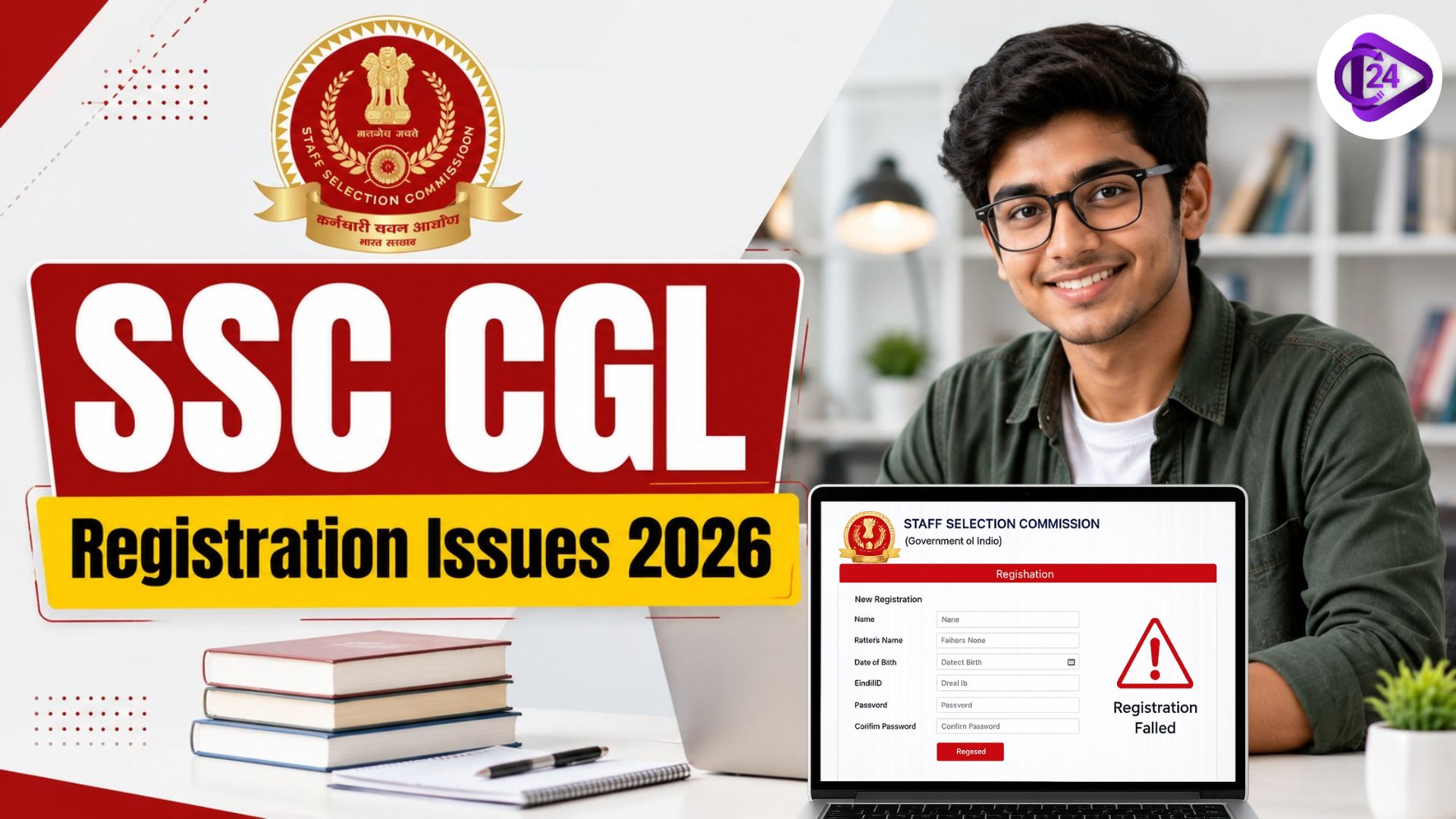
It is important to understand SSC CGL Registration Issues because registration is the first and most important step toward appearing in the SSC Combined Graduate Level Examination. Even a small error or unresolved technical issue can stop candidates from submitting their applications successfully. In this guide, we cover the most common registration problems along with simple solutions to help you complete your application smoothly.
SSC CGL Registration Issues 2026 Overview
Candidates may experience different technical and non-technical issues while registering for SSC CGL 2026. The good news is that most of these problems can be fixed easily by following the right steps.
| Particulars | Details |
|---|---|
| Exam Name | SSC CGL 2026 |
| Conducting Authority | Staff Selection Commission (SSC) |
| Registration Mode | Online |
| OTR Required | Yes |
| Official Website | ssc.gov.in |
| Common Issues | Login, OTP, Payment, Upload Errors |
Most SSC CGL Registration Issues happen because of heavy server traffic, incorrect information, browser compatibility problems, Aadhaar verification errors, or incomplete registration details.
Also Check: Objective Question with Answer for Quantitative Aptitude
Common SSC CGL Registration Issues Faced by Candidates
Every year, many applicants face similar registration-related difficulties. Knowing about these issues in advance can help candidates resolve them faster.
| Issue | Description |
|---|---|
| OTR Registration Failed | One-Time Registration not completed successfully |
| OTP Not Received | OTP not delivered to mobile or email |
| Login Error | Invalid username or password |
| Aadhaar Authentication Failed | Verification mismatch with Aadhaar records |
| Payment Failed | Transaction unsuccessful |
| Photo Upload Error | Incorrect image format or size |
| Signature Upload Error | Signature not meeting specifications |
| Application Submission Error | Form not submitting successfully |
| Server Error | Website overloaded or unavailable |
These SSC CGL Registration Issues are especially common during peak registration periods when a large number of candidates access the SSC portal at the same time.
SSC CGL Login Problem and Solution
Login-related SSC CGL Registration Issues are quite common, especially when candidates forget their credentials or enter incorrect details.
Common Login Problems
- Invalid Username
- Invalid Password
- Forgot Registration Number
- Account Locked
- Multiple Failed Login Attempts
Solutions
| Problem | Solution |
|---|---|
| Invalid Username | Verify Registration ID carefully |
| Wrong Password | Use "Forgot Password" option |
| Registration Number Lost | Recover using registered email/mobile |
| Account Locked | Wait and retry after some time |
| Browser Issue | Clear cache and cookies |
SSC CGL OTP Not Received Issue
Among all SSC CGL Registration Issues, OTP-related problems are reported very frequently during registration and password recovery.
Possible Reasons
- Weak mobile network
- Email delay
- Incorrect mobile number
- Server congestion
- DND settings
Solutions
- Check your network connection.
- Verify your registered mobile number and email ID.
- Look in the spam or junk folder.
- Wait a few minutes before requesting another OTP.
- Try completing registration during non-peak hours.
Avoid requesting OTPs repeatedly, as this may temporarily restrict further OTP requests.
SSC CGL OTR Issues and Solutions
The SSC portal requires candidates to complete One-Time Registration before applying for any examination. As a result, SSC CGL OTR Issues have become more common.
Common OTR Problems
- OTR Registration Failed
- OTR Details Mismatch
- OTR Locked
- Unable to Edit OTR Information
| OTR Issue | Solution |
|---|---|
| Registration Failed | Verify all mandatory fields |
| Aadhaar Mismatch | Match details with Aadhaar records |
| Mobile Verification Failed | Update registered mobile number |
| OTR Locked | Contact SSC support if required |
| Incorrect Details | Check correction options available |
Completing OTR carefully and reviewing all details can help prevent many future SSC CGL Registration Issues.
SSC CGL Aadhaar Authentication Problem
As Aadhaar-based verification becomes more important, Aadhaar-related SSC CGL Registration Issues have also increased.
Common Aadhaar Problems
- Aadhaar details mismatch
- Face authentication failure
- Aadhaar already linked
- Verification pending
Solutions
- Make sure your name and date of birth match Aadhaar records.
- Use proper lighting during face authentication.
- Update Aadhaar details if necessary.
- Retry verification using a stable internet connection.
Before starting registration, candidates should double-check their Aadhaar information to avoid verification delays.
SSC CGL Photo and Signature Upload Error
Document upload errors are another major reason behind SSC CGL Registration Issues.
| Requirement | Photo | Signature |
|---|---|---|
| Format | JPG/JPEG | JPG/JPEG |
| Background | Light | White |
| Quality | Clear | Clear |
Common Mistakes and Solutions
| Common Mistakes | Solutions |
|---|---|
| Wrong image size | Resize images according to SSC guidelines. |
| Blurred photograph | Use recent photographs with clear quality. |
| Dark background | Ensure the photograph has a proper light background as per SSC guidelines. |
| Cropped signature | Upload clear and properly scanned signatures. |
| Unsupported file format | Use the prescribed file format and verify image preview before submission. |
SSC CGL Payment Failed but Money Deducted
Payment-related SSC CGL Registration Issues often create confusion and concern among candidates.
Common Scenarios
| Scenario | Description |
|---|---|
| Transaction Pending | Payment status remains pending after transaction completion |
| Money Deducted but Form Incomplete | Amount deducted from bank account but application not updated |
| Payment Failed After Deduction | Transaction shows failed despite money being deducted |
| Payment Confirmation Not Received | Successful payment made but confirmation not received |
What Should Candidates Do?
| Step | Action |
|---|---|
| 1 | Wait for 24–48 hours |
| 2 | Check application status |
| 3 | Verify bank transaction details |
| 4 | Contact payment gateway if necessary |
| 5 | Contact SSC support if payment remains unresolved |
SSC CGL Application Submission Error
Candidates may also face SSC CGL Registration Issues while submitting the final application form.
Common Reasons
- Session timeout
- Missing mandatory fields
- Technical glitches
- Browser compatibility issues
Solution
| Problem | Solution |
|---|---|
| Form Not Submitting | Check all mandatory fields |
| Session Expired | Login again and continue |
| Technical Error | Refresh browser and retry |
| Browser Issue | Use Chrome or Edge |
SSC CGL Registration Not Working Due to Server Error
Server-related SSC CGL Registration Issues become more common as the application deadline approaches.
Reasons
- Heavy website traffic
- Scheduled maintenance
- Server downtime
- Browser conflicts
Troubleshooting Tips
- Apply during early morning hours.
- Avoid waiting until the last date.
- Use updated browsers.
- Switch internet networks if needed.
- Clear browser cache before trying again.
SSC CGL Registration Issues Helpline and Support
If you are unable to resolve SSC CGL Registration Issues on your own, it is best to seek help through official SSC support channels.
| Support Type | Details |
|---|---|
| Official Website | ssc.gov.in |
| Helpdesk | SSC Candidate Support |
| Password Recovery | SSC Portal |
| Registration Recovery | SSC Portal |
Candidates should contact SSC support if:
- Registration remains incomplete.
- Payment status is not updated.
- Aadhaar verification repeatedly fails.
- Login credentials cannot be recovered.
How to Avoid SSC CGL Registration Issues?
A large number of SSC CGL Registration Issues can be avoided with proper planning and preparation.
Important Tips
- Complete OTR before the application deadline.
- Use an updated browser.
- Keep Aadhaar details ready.
- Prepare photo and signature in advance.
- Avoid applying on the last date.
- Verify all details before submission.
- Save login credentials securely.
- Use a stable internet connection.
Conclusion on SSC CGL Registration Issues 2026
SSC CGL Registration Issues can arise at different stages of the application process, including OTR registration, login, OTP verification, Aadhaar authentication, document upload, payment processing, and final submission. Although these issues can be frustrating, most of them can be resolved with basic troubleshooting steps. Candidates should complete registration well before the deadline, keep all required documents ready, and carefully verify every detail before submission. By understanding common SSC CGL Registration Issues and their solutions, applicants can complete their registration smoothly and focus on exam preparation with confidence.
SSC CGL Registration Issues FAQs
Recent Quizzes

Recent Articles
Our Courses





Post a Comment
Your email address will not be published. Required fields are marked *