

Daily Quizzes
Mock Tests
No tests attempted yet.
Select Category
SSC CHSL Application Correction Window 2026: Dates, Fee, Editable Details and Correction Process
The SSC CHSL Application Correction Window 2026 allows candidates to correct permitted mistakes in their submitted application form. The correction facility will remain available from 14 October to 16 October 2026. Candidates can make corrections twice by paying ₹200 for the first attempt and ₹500 for the second attempt. Check the confirmed correction dates, editable and non-editable details, correction fees, number of attempts, OTR differences, and step-by-step process to update your SSC CHSL application form successfully.

Get in Touch with Class24 for All Your Needs!
TThe SSC CHSL Application Correction Window 2026 allows candidates to fix errors made while submitting their application, such as wrong photos, name spelling mistakes, or incorrect category selection. Open for a short period after the deadline, this facility involves a correction fee and permits limited re-submissions, making it crucial for candidates to act quickly and carefully.
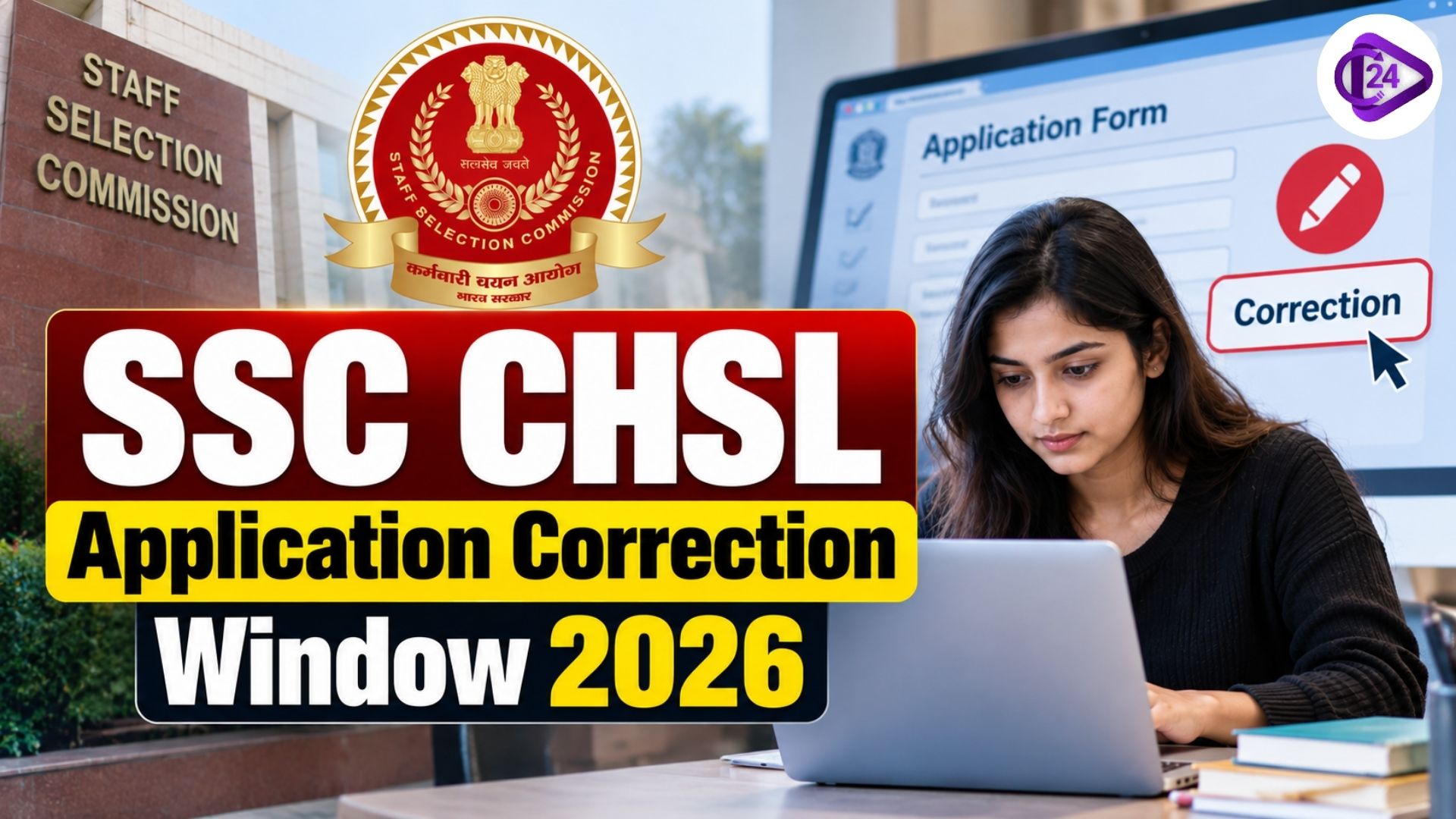
The SSC CHSL Application Correction Window 2026 gives candidates a confirmed 3-day window to fix mistakes made while filling the form, whether it's a wrong photo, a typo in the name, or an incorrect category selection. The official notification has now fixed this window at 14-10-2026 to 16-10-2026, so candidates who submit early should mark this date and come back to review their form carefully.
Missing the correction window can mean carrying an error all the way to document verification, where it becomes much harder to fix. This guide covers the confirmed SSC CHSL Application Correction Window 2026 dates, the fee involved, what details can and cannot be changed, and the exact steps to submit a correction.
SSC CHSL Application Correction Window 2026: Overview
The SSC CHSL Application Correction Window 2026 is a limited-time facility opened by SSC after the application deadline, allowing candidates to edit specific details in their already submitted form.
| Particulars | Details |
|---|---|
| Facility Name | SSC CHSL Application Correction Window 2026 |
| Conducted By | Staff Selection Commission (SSC) |
| Eligibility | Candidates who successfully submitted the form and paid the application fee by 07-10-2026 |
| Window Duration | 3 days, from 14-10-2026 to 16-10-2026 |
| Correction Fee | ₹200 for the first correction, ₹500 for the second |
| Late Corrections | Not accepted once the window closes, under any circumstances |
SSC CHSL Application Correction Window 2026: Confirmed Dates
The official 2026 notification has now confirmed the exact schedule for the SSC CHSL Application Correction Window, so there is no need to rely on last year's dates anymore.
| Event | Confirmed Date |
|---|---|
| Application Form Closes | 07-10-2026 (11:00 PM) |
| Correction Window Opens | 14-10-2026 |
| Correction Window Closes | 16-10-2026 (11:00 PM) |
| Correction Payment Last Date | 16-10-2026, till 11:00 PM |
Candidates should note that the correction window opens a week after the application deadline, not immediately after, so there is a short gap where no edits are possible until 14-10-2026.
SSC CHSL Correction Fee 2026
Editing details during the SSC CHSL Application Correction Window 2026 is not free, and the fee increases if a candidate needs to make a second round of changes.
| Correction Attempt | Fee |
|---|---|
| First Correction | ₹200 |
| Second Correction | ₹500 |
Only two correction attempts are allowed per candidate, and each new submission replaces the earlier one, so it helps to review every field carefully before making the first correction rather than rushing through it.
Details You Can Edit in the SSC CHSL Correction Window
Not every field in the form is editable. SSC typically permits changes to the following details during the correction period.
- Photograph and signature upload
- Minor spelling errors in name or address
- Communication details like mobile number and email ID
- Educational qualification details, where permitted
- Exam centre preference, subject to availability
Details That Usually Cannot Be Changed
Some fields are treated as final once submitted, and SSC rarely allows edits to these during the correction window, so it is worth getting them right the first time.
- Category (SC/ ST/ OBC/ General), in most cases
- Gender
- Date of birth, in most cases
- Post preference, once locked in certain cycles
OTR Data vs Application Data: What's the Difference
Candidates sometimes confuse the One Time Registration (OTR) profile with the actual application form, and this matters for what can be corrected here.
- OTR data, like name, date of birth, and Aadhaar-linked details, is captured once during registration and stays mostly locked across exams.
- Application-specific data, like photo, signature, exam centre choice, and category selection for this particular exam, is what the correction window mainly targets.
- If an error exists in the core OTR profile itself, it usually needs to be fixed through the OTR dashboard separately, rather than through this correction window.
How to Correct SSC CHSL Application Form 2026
Once the SSC CHSL Application Correction Window 2026 goes live on 14-10-2026, candidates need to follow a simple set of steps to update their form.
| Step | Action |
|---|---|
| 1 | Log in to the SSC portal using your registration number and password |
| 2 | Locate the "Correction" or "Re-Apply/ Edit Application" option on your dashboard |
| 3 | Make the necessary edits to the permitted fields |
| 4 | Recheck all updated details carefully before proceeding |
| 5 | Pay the applicable correction fee online |
| 6 | Click Final Submit and download the updated confirmation page |
SSC CHSL Application Correction Window 2026: Number of Attempts
SSC allows candidates to use the correction facility more than once, but each attempt costs more and replaces the previous version of the form.
- Corrections can be made twice within the 14-10-2026 to 16-10-2026 window.
- Each new correction supersedes the earlier submitted version.
- Only the most recently corrected form is considered final for further stages.
- If the correction fee is not received by SSC, the application status shows as "Incomplete" and the previously submitted version stays valid instead.
Tips to Avoid Needing a Correction at All
The best way to deal with the SSC CHSL correction window is to never need it. A little extra care while filling the original form saves both time and money.
| Common Error | How to Prevent It |
|---|---|
| Wrong photo/ signature format | Check size, dimensions, and background before uploading |
| Name mismatch | Copy the name exactly as printed on the Class 10 certificate |
| Wrong category selected | Cross-verify with your category certificate before choosing |
| Typing errors in contact details | Re-read mobile number and email twice before submitting |
| Rushed final submission | Use the preview option and read every field slowly |
Conclusion
The SSC CHSL Application Correction Window 2026 is now confirmed for 14-10-2026 to 16-10-2026, giving candidates a useful safety net, though it comes with a limited timeframe, an added fee, and restrictions on which fields can actually be changed. The smartest approach is to treat the original submission as final, double-check every detail before clicking submit, and use the correction window only when genuinely needed.
Important Links
FAQs
Recent Quizzes

Our Courses



Post a Comment
Your email address will not be published. Required fields are marked *